
Blog
Recent Posts

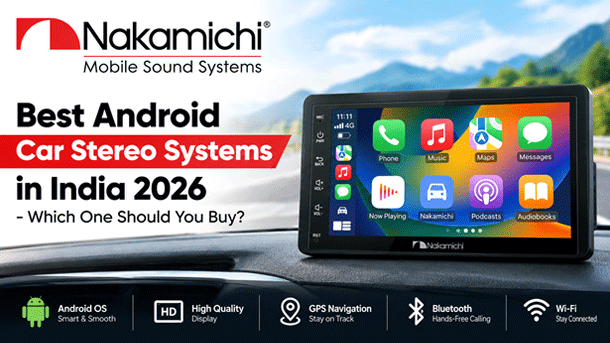
Best Android Car Stereo Systems in India 2026 - Which One Should You Buy?
A driver in Pune has Google Maps open on his phone and a charging cable looped around the gear lever, while the factory stereo plays FM nobody asked for. At every red light he nudges the phone back into its holder. I've known people live like that for years, until one weekend they fit a proper screen. Nakamichi, a Japanese audio name with decades behind it, sits in exactly that space, so here's what to look at before you spend.
What Actually Matters in an Android Car Stereo?
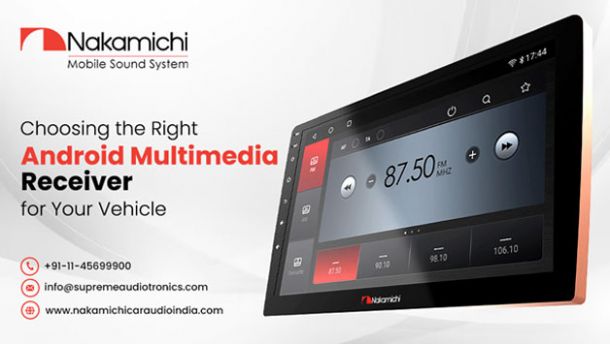
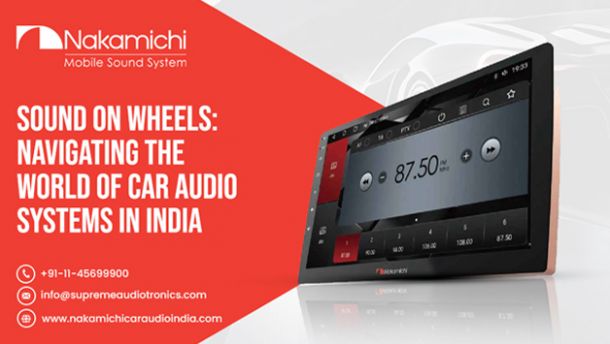
An android multimedia receiver is really a small Android tablet wired into your dash. Most tablet rules apply. The spec sheet just hides them.
1. Processor (The Most Important Spec)
Ignore the marketing name and look at core count and clock speed. Any android system for car use lives or dies on its chip. Octa-core units cope when Maps and Spotify run together. Quad-core ones stutter. I once sat in a car where the map redraw took two seconds a turn, which is a long time at a junction.
2. RAM and Storage
4 GB of RAM is where things stop feeling slow. 2 GB can work if all you run is navigation and music. Storage matters less than people think, since 32 GB covers offline maps for a few states with room to spare.
3. Display Quality
A 9 or 10 inch screen suits most dashboards. Check the panel in daylight, because I've tried a car multimedia player at noon where the glass turned into a mirror. An anti-glare or laminated panel and a decent brightness figure help more than extra resolution.
4. Apple CarPlay and Android Auto
Wireless is nice. A cable is fine, and often steadier. An android multimedia player for car should say plainly which phones it handles wirelessly, since some listings promise "wireless" and mean wired on certain brands.
5. Sound Quality (DSP)
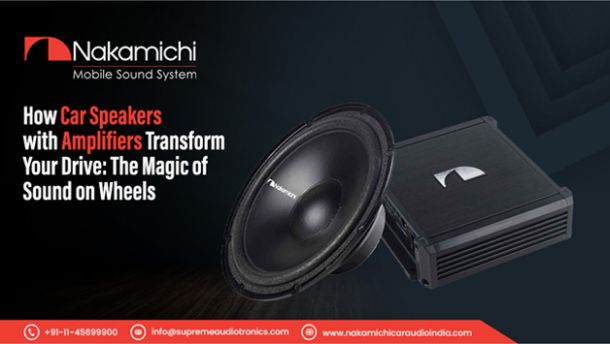
Sound is Nakamichi's home ground. The Dragon cassette deck from 1982 still comes up whenever hi-fi people argue about build. A DSP lets you tune the equaliser and set time alignment so the sound lands at the driver's seat, not at the door. Without it, a speaker upgrade can still sound off. I'd judge Nakamichi's Android units on this section first.
Best Android Car Stereos by Budget
Below roughly ?10,000 you're buying a screen and basic apps, so treat it as a trial. In the ?10,000 to ?25,000 band most buyers do best, with 4 GB of RAM and a clear 9 inch screen, plus CarPlay and Android Auto on top. A car android system in that middle band beats the cheapest one by a mile. Above that you're paying for tuning and better build, which is where Nakamichi's pitch makes sense.
Quick Comparison of Products: Top 5 Android Stereos
| Tier | Screen | RAM / Storage | Phone link | Sound tuning | Best for |
|---|---|---|---|---|---|
| Entry | 7 to 9 in | 2 GB / 32 GB | Cable only | Basic EQ | Older cars |
| Value | 9 in | 3 to 4 GB / 32 GB | Wired CarPlay and Android Auto | Multi-band EQ | Daily commutes |
| Mid-range | 9 to 10 in | 4 GB / 64 GB | Wireless on supported phones | EQ with time alignment | Family cars |
| Upper-mid | 10 in | 6 GB / 128 GB | Wireless, built-in 4G | Full DSP | Long drives |
| Premium | 10 to 12 in | 8 GB / 128 GB | Wireless plus app store | Full DSP, more outputs | Audio projects |
Before You Buy: Fitment Check
Measure first. Single DIN and double DIN need different openings, and floating screens are another matter. Look for a fascia kit made for your model, because a generic frame leaves gaps. Steering wheel controls often need a CAN bus adapter, and a forum buyer put it simply: make sure the unit supports your car's CAN bus. Reverse camera input and the factory amplifier deserve a look too. Ask the dealer to confirm your exact model before you pay.
Conclusion
Pick the processor and RAM first, then the screen. Sound comes next. If it's your priority, Nakamichi earns a demo before you commit. Take your phone to the shop and run Maps and music together for ten minutes.
Leave a Reply
Your email address will not be published. Required fields are marked
Comments